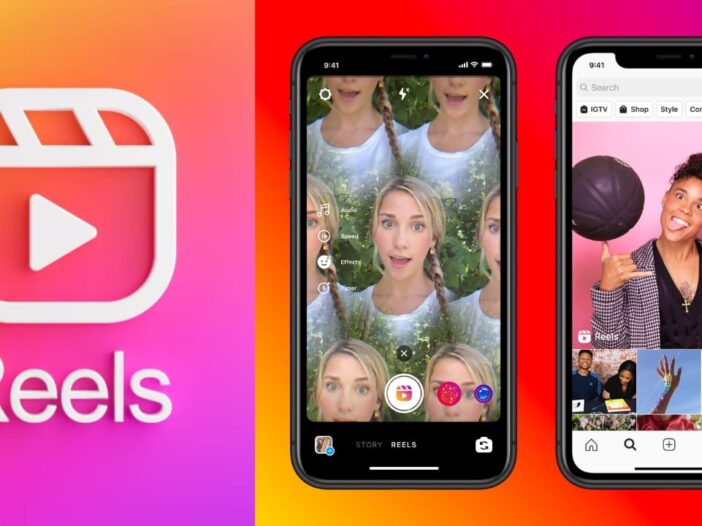
In today’s time, Instagram Reels has become a major source of entertainment for people. Many people start watching reels in their free time and a lot of time passes by in no time. Its craze is very high especially among youth and children. But holding the phone for a long time and scrolling the reels causes pain or fatigue in the hands.
In such a situation, some features of Instagram and smartphone can be very useful for the users. With their help, reels can be watched multiple times without touching the screen again and again. However, this facility is not available for every phone and every user.
Auto Scroll feature will make work easier
some smartphones and Instagram Features like Auto Scroll or Auto Play can be seen in the new version. If this option is available on your phone or app, the reels may advance automatically.
After activating this feature, the user does not need to touch the screen to change every video. The reels scroll automatically and the viewing experience becomes easier.
If this feature is not visible in your Instagram app, then first of all you can try updating the app. However, keep in mind that this feature is not available for all accounts or devices and the company may change it over time.
Voice Control feature for iPhone users
iPhone Users have another option to operate the phone without using hands. The Voice Control feature available in iOS can prove to be very useful. To activate it, one has to go to the Settings of the phone and go to the Accessibility option. After this, many features of the phone can be controlled through voice. With its help, tasks like running Instagram and watching reels can become easier by giving some commands. This feature is also beneficial for those who want to use the phone more comfortably.
Use of Voice Command in Android
Many tasks can also be done through voice with the help of Google Assistant in Android smartphones. By activating Google Assistant, the user can open Instagram with voice commands and do some basic tasks without touching the screen. Apart from this, Voice Access feature is also available in some Android devices. This feature allows you to control the phone by speaking. This allows the options on the screen to be selected and general navigation becomes easier. However, these features do not work the same in all phones. This depends on your device, operating system, and version of the Instagram app.
Also read- Vivo’s two popular 5G phones become expensive, now you will have to pay more to buy them

Leave a Reply