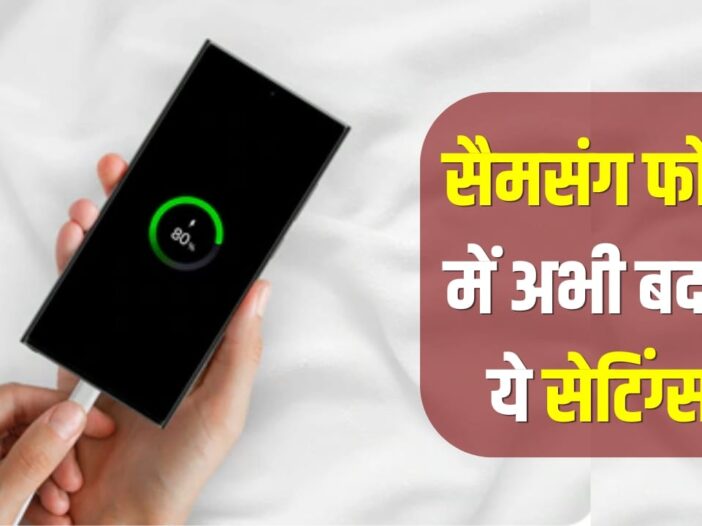
Samsung Phone Battery Drain: If your Samsung smartphone’s battery drains quickly and you have to find the charger several times a day, then some important settings can help you. Many times the battery problem is not hidden in the hardware but in the settings of the phone. Features running in the background, high brightness and continuously active services increase battery consumption. In such a situation, battery backup can be improved by making some simple changes. The methods that we are telling you here have been suggested by the company itself which helps you in providing backup throughout the day.
power saving mode
The power saving mode given in Samsung phones is considered a useful feature to save battery. Turning on this mode limits background activities and some system features use less energy. With this, the phone’s battery can last longer. Especially while traveling or in situations when charging facility is not available, this feature can prove to be very useful. Many users do not use this feature, although when needed, it significantly increases the battery backup.
Lite Performance Mode
The Light Performance Mode present in Samsung smartphones is designed to save battery and prevent the phone from overheating. This feature slightly reduces the maximum speed of the processor, which reduces battery consumption. The special thing is that users do not feel any significant difference in performance while web browsing, social media, calling and most of the daily tasks. This can improve battery backup and the phone works cool and smoothly for a long time.
Keep unnecessary connectivity features off
Wi-Fi, Bluetooth, GPS and other connectivity features can increase battery usage if they are constantly active. If these services are not needed then it is considered better to keep them closed. Many times the phone keeps searching for network or location signals continuously, which increases battery consumption. These features can be easily controlled through the quick settings panel in Samsung smartphones. By keeping them on only when needed, unnecessary pressure on the battery is reduced and the phone can last longer.
Software Update and Battery Management
Keeping the phone’s software updated is also considered important for battery performance. Companies periodically release updates that include battery optimizations and performance improvements. Apart from this, regularly monitoring battery usage helps in understanding which features or apps are consuming the most energy. The battery management tools present in Samsung phones provide accurate information to the users. Battery backup can be improved by using these features properly.
Change display settings
The display uses the most battery of the smartphone. If the screen brightness is always high or the screen remains on for a long time, the battery drains rapidly. By using Auto Brightness or Adaptive Brightness feature in Samsung phones, the screen adjusts the brightness as per the need. Apart from this, keeping the screen timeout low also helps in saving battery. Many users use high refresh rate, which improves the phone experience, but battery consumption also increases. Battery backup can be improved by adjusting these settings as per need.
Background apps increase battery consumption
There are many apps that keep running in the background even when the phone is not in use. These apps constantly use internet, location and other resources, which can drain the battery quickly. Through the Battery and Device Care section in Samsung smartphones, such apps can be identified which are using more battery. Apps which are used less can be put into sleep or deep sleep mode. This reduces background activities and reduces the pressure on the battery.
Also read: Your ATM PIN can be stolen through heat marks, know the new method of fraudsters

Leave a Reply