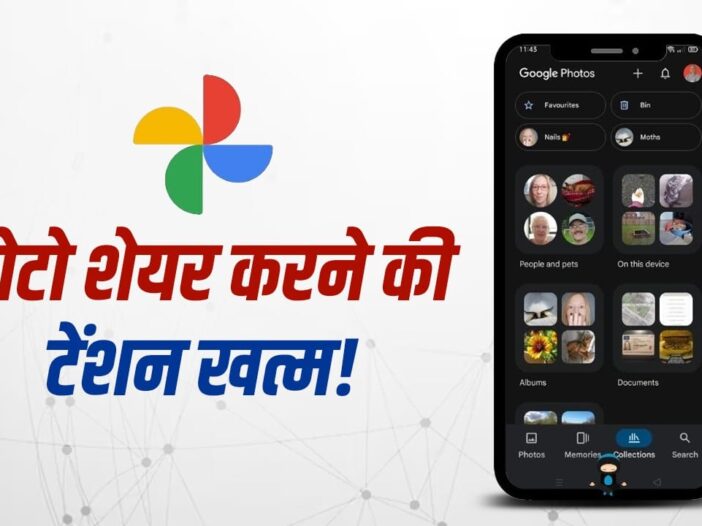
Google Photos Partner Sharing Feature: In today’s time, pictures of every special moment are captured in smartphones, but later sharing them with family and friends becomes a headache for many people. Sending the same photo again and again to different people takes time and sometimes important photos are missed. The solution to this problem is available in the partner sharing feature of Google Photos. This feature allows users to automatically share photos with a trusted person. This makes the entire process of photo sharing easier and faster. Let us know about this feature…
What is the partner sharing feature of Google Photos?
The partner sharing feature of Google Photos is very useful for those who regularly share photos with their family or close ones. Through this feature, the user can add a trusted person as a partner. After this, new pictures keep getting shared with that person automatically. Be it a family event, a holiday trip or everyday photos, there is no need to manually send photos every time. This saves time and also makes it easier to share important photos. This feature can prove to be very useful especially for husband-wife, siblings or close family members.
Setup the feature like this
To activate this feature, first you have to open Google Photos app. After this, tap on the profile icon and go to photo settings. Here in the sharing section, the option of partner sharing is available. The user can decide which photos to share and from which date the sharing should start. After this, an invite can be sent by selecting a trusted person from your contact list. As soon as the other person accepts the invite, the selected photos are automatically shared with him. This process is very easy and can be completed in a few minutes.
How to turn on Google Photos Partner Sharing?
- Open the Google Photos app.
- Tap your profile icon in the top right.
- Go to Photo Settings.
- Tap on Sharing option.
- Now select Partner Sharing.
- Tap Get Started or Start.
- Select the Google account (Gmail ID) of the person with whom you want to share the photo.
- Now decide whether to share all the photos, or only share photos of a specific person, or share photos after a specific date.
- Tap Next and review settings.
- Tap on Send Invitation.
Take special care of privacy
Although the partner sharing feature is quite convenient, it is important to take care of privacy while using it. Because this feature can automatically share many of your private photos, only trusted people should be added as partners. Before activating the settings, you should carefully check which photos will be shared. It is also important to review sharing settings from time to time so that unwanted photos do not reach anyone else. If users use this feature carefully, it can prove to be a very easy, safe and time-saving option for photo sharing.
Also read: Use free public Wi-Fi? Bank account can become empty due to one mistake

Leave a Reply