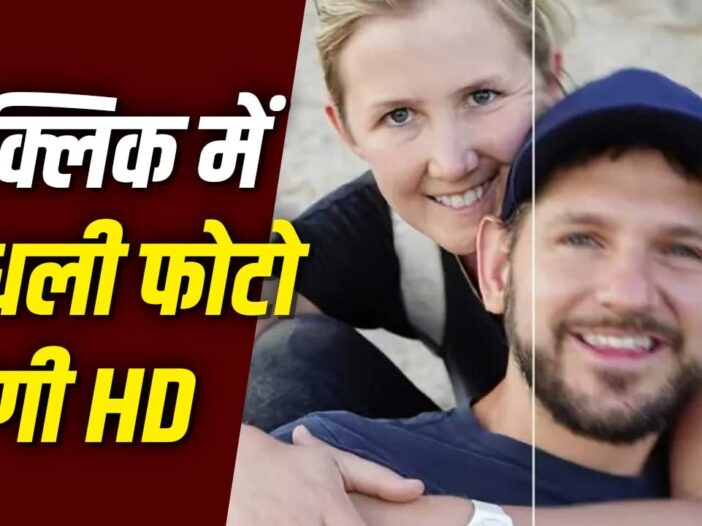
If any special photo of yours has become blurry and you have considered it spoiled forever, then there is no need to do so now. Google Photos’ Photo Unblur AI tool helps clear blurry photos, both old and new. This feature improves the photo by reducing the blur effect with the help of artificial intelligence. Through some easy steps, users can make their memorable photos look like new again.
What is Photo Unblur?
Photo Unblur provided in Google Photos is an AI based feature, which has been specially designed to improve blurry photos. Often the photo does not come out clearly due to low light, camera shake or any moving object. In such cases, this tool tries to improve the quality of the picture by analyzing it. Its special thing is that it is not limited to only new photos, but can also improve blurry photos and old black and white photos that are many years old. That means, you can use this tool to see your old memories again in a clear and attractive form.
This is how it works with AI and machine learning
Google’s advanced artificial intelligence and machine learning technology works behind the photo unblur feature. When a user processes a blurry photo in this tool, the AI analyzes every part of the photo in detail. It tries to improve the detail of faces, backgrounds and other objects in the photo by identifying them. After this the system makes the picture more clear by reducing the effect of blur and shake. Initially this feature was available only for Google Pixel smartphone users, but later the company extended it to many Android and iOS devices as well. However, its availability may vary depending on the device and account.
How to use photo unblur
- Open Google Photos app in your phone.
- Select the blurry photo you want to clean.
- Tap on the edit option below.
- Now go to the tools section.
- Select the Unblur option that appears here.
- AI will start processing your photo.
- With the help of the slider, adjust the clarity of the photo as per your need.
- If you like the result, tap Done.
- Finally, save the new photo by choosing Save Copy option.
- Your original photo will remain safe and the cleaned photo will be saved separately.
Old photos will also remain safe
A big advantage of the photo unblur feature is that it does not change your original photo. When you save an edited photo, Google Photos creates a new copy of it. This means that your old and original photo remains as safe as before, while you also get a new and better quality photo. This is why users can try this feature on their old or blurred photos without any risk. For those who want to improve their memorable photos, this tool can prove to be a very useful and easy option.
Also read: Samsung Galaxy S27 Pro will come in compact size, will get powerful camera and processor

Leave a Reply