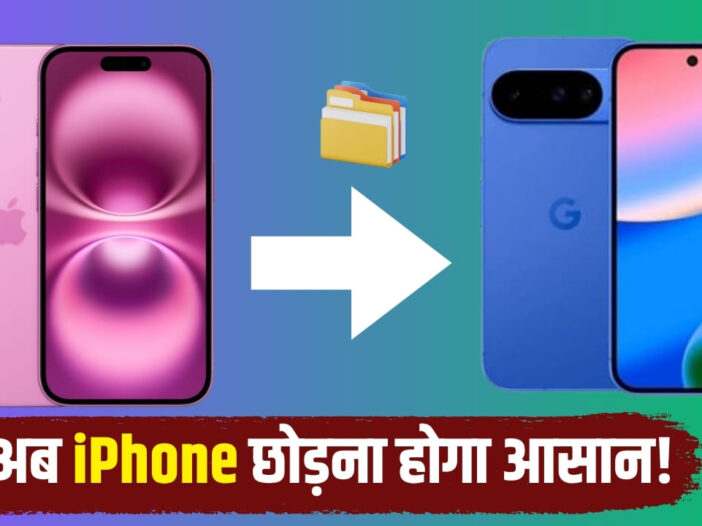
With Android 17, Google has made the process of transferring data from iPhone to Android easier than ever. Now users will not need to download a separate app. The new migration system is directly part of Android 17 and will be able to transfer photos, videos, messages, contacts along with passwords, Wi-Fi information and eSIM. The rollout of this feature has started with select Pixel and new Samsung foldable phones.
No need for separate app now
Google gave information about the new migration experience of Android 17 in a blog post. According to the company, now the data transfer tool is directly part of the operating system. With this, there will be no need to download any separate app while switching from iPhone to Android phone. This system transfers photos, videos, contacts, messages and calendar data as before, but now its capacity has been further increased so that users can easily bring their entire setup to the new phone.
Password, Wi-Fi and eSIM will also be transferred
The updated migration system now also supports Google account information, saved passwords, Wi-Fi credentials, and eSIM. With this, users will be able to easily move the important settings of their old iPhone to the new Android phone. According to Google, the rollout of this feature has started on select Pixel smartphones. Apart from this, this facility has also been provided in Samsung’s new Galaxy Z Flip 8 and Galaxy Z Fold 8. The company has said that in the coming time it will be extended to other Android devices also, although its deadline has not been given yet.
QR code will make setup easy
According to Google’s support page, users can choose to copy data from an iPhone or iPad when setting up a new Android phone. After this the Android phone shows a QR code which when scanned with the iPhone connects the two devices wirelessly. After this the user can select and transfer the data as per his need.
Google recommends that both devices remain connected until the transfer is complete, the iPhone is connected to Wi-Fi, both phones are charged, and the new Android phone has enough storage available. If QR code is not available, physical SIM or eSIM can be switched by downloading it again if operator supports. After the setup is complete, users also get the option to transfer WhatsApp chat history. Additionally, Google also provides guidance on moving Google Messages and iCloud photos and videos from iMessage to Google Photos.
Also read: New smartphone with 90Hz display launched for Rs 8,599, know the features

Leave a Reply