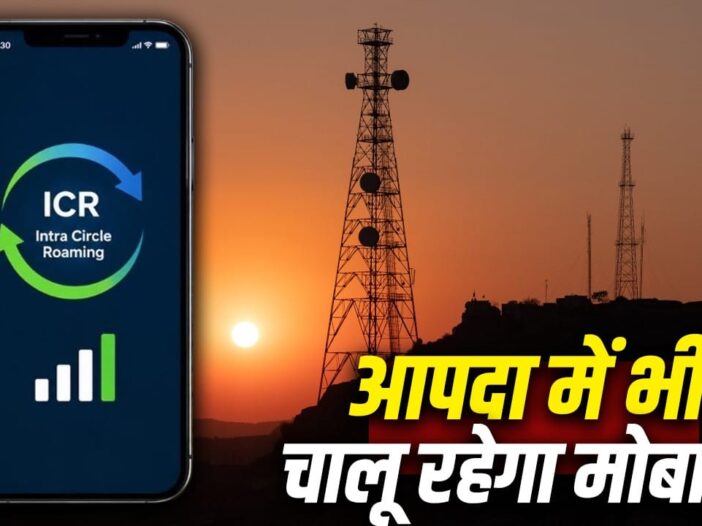
Mobile networks and telecom services have been badly affected due to heavy rains, floods and landslides in many states and union territories of the country. In view of the situation, the Department of Telecommunications (DOT) has immediately implemented Intra Circle Roaming (ICR) service in the affected areas. Under this, if any company’s network is closed, the mobile will automatically connect to another available network. This will also help relief and rescue teams to maintain communication with the common people.
Where were telecom services affected?
Due to continuous rains, floods and landslides, there has been huge damage to the telecom network in many areas of Nagaland, Gujarat and Dadra Nagar Haveli and Daman Diu. Major network nodes in Valsad, Silvassa and Daman Diu of Gujarat have been shut down, due to which the services of many operators including Airtel have been affected. At the same time, mobile and internet services have been disrupted in Mon and Longleng districts of Nagaland due to breakage of optical fiber cable. In Jammu and Kashmir too, fiber infrastructure has been damaged due to heavy rains and landslides, due to which calling and internet services have been affected.
What is ICR service and how will it help?
The Department of Telecommunications has implemented Intra Circle Roaming i.e. ICR service under Standard Operating Procedure 2020 and Unified License to maintain communication system during the disaster. According to the instructions of DOT, this facility will remain in force till 11:59 pm on July 27, 2026 or until further orders. After its activation, if a user’s own mobile network is not available, his phone will automatically connect to the network of some other company present in the same area. This will also help NDRF, health workers and disaster management teams to remain in constant touch with the local people during relief work.
What to do if there is no network on the phone?
DOT has said that to avail the benefit of ICR service, it is necessary to have automatic network selection enabled in the mobile. If the phone doesn’t automatically connect to another network, go to User Settings and open the Mobile networks or connections option. After this, go to Network Operators and turn on automatic network selection. If there is still no signal after this, then the phone can be connected to any available network visible in the list by choosing the manual option. With this, the use of mobile service can be continued even during disaster.
How to turn on ICR?
- Open your phone’s Settings.
- Go to Mobile networks or connections options.
- Tap Network Operators.
- Turn on automatic network selection.
- If network still not available, choose manual option.
- Now select any available mobile network shown on the screen.
- With this the phone will be connected to the network of another company.
Also read: After DeepSeek, now Kimi K3’s blast, why China’s new AI model increased America’s tension

Leave a Reply